


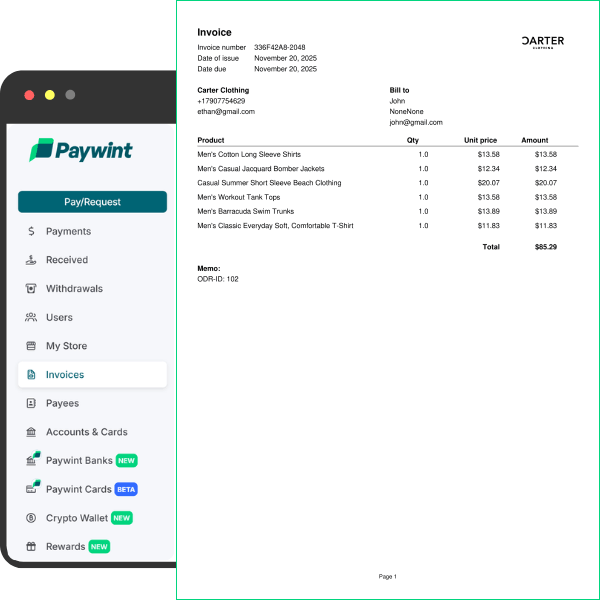
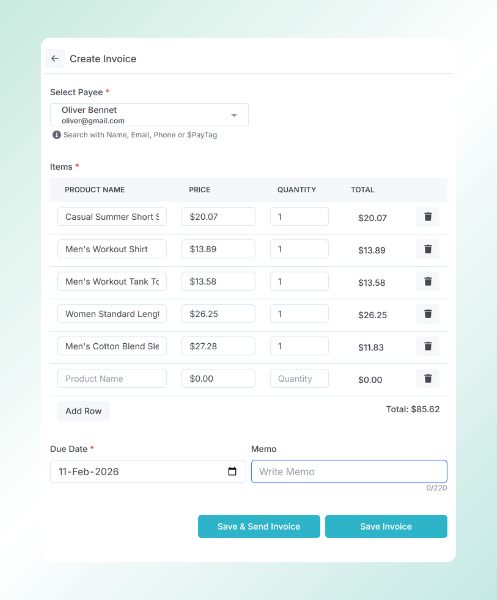

Create Billing Documents
You can create a new invoice in just a few clicks. Templates help you keep your branding consistent, and you can save client details to reuse them next time.
Send and Track Payments
You can share invoices by email or link, and the system updates the payment status in real time. Records stay organized in one dashboard.
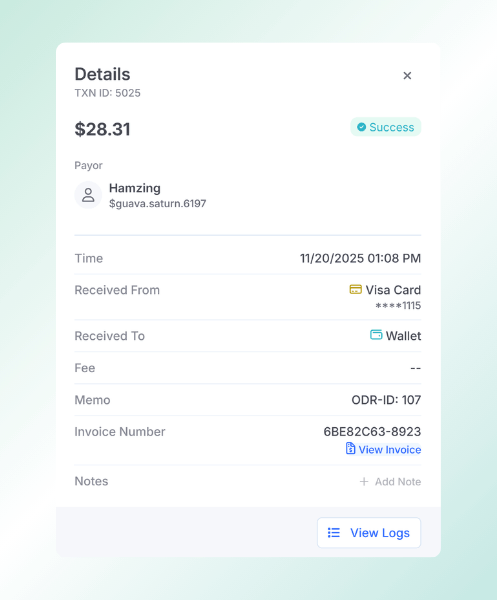
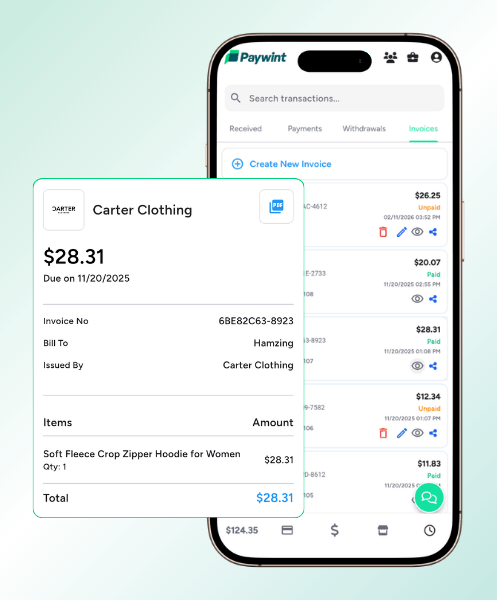
Reminders and Reports
Automated reminders reduce late payments for every invoice. Reports show totals, paid amounts, and pending balances. Data exports support accounting workflows.
What Our Customers Say

Ethan Carter
"Paywint made it incredibly easy to manage my store and track sales. The reporting tools help me understand what products perform best, and I can adjust my inventory accordingly."


Miles Donovan
"Setting up my online store with Paywint was fast and simple. Now, I can focus on marketing and growing my customer base without worrying about managing orders or tracking stock."

Oliver Bennett
"Running a busy retail shop is tough, but Paywint’s all-in-one tools give me complete control over sales, inventory, and invoices. Everything is organized and accessible from one place."
Frequently Asked Questions
What is an invoice?
An invoice shows what you charged and how much is due. Paywint helps you create digital invoices and keeps all your client and payment records neatly organized in one place.
How to create an invoice?
You enter client details, items, and payment terms in Paywint. The system generates a professional billing document instantly. You can share it by email or link.
Is invoice legally required?
Many regions require invoices for tax and accounting purposes. Paywint provides structured billing records that support compliance needs. It also keeps digital archives for audits.
Invoice vs Receipt
An invoice requests payment, while a receipt confirms payment. Paywint supports both billing and proof of payment records. This helps businesses track revenue and customer transactions clearly.